Cybercafé & document desk · Mombasa
Paperwork, sorted.
Printing, typing, CVs, and help with KRA, eCitizen and university applications. Tell us what you need on WhatsApp and we’ll tell you what to bring.
Not sure what you need? Start here
- Copy
- Scan
- Type
- CVs
- KRA
- eCitizen
- HEF & KUCCPS
- Bulk print
§01Start with the job
What do you need to get done?
Pick one. You'll see what we help with, what to bring, and a ready-to-send WhatsApp message.
I need to…
Send the file on WhatsApp or bring it on your phone or a flash disk.
We help with
- Black & white and colour printing
- Photocopies, including ID copies
- Scans to PDF
§02Services
Everything at the counter
Walk-in jobs and assisted online work. If you don't see it, ask.
A
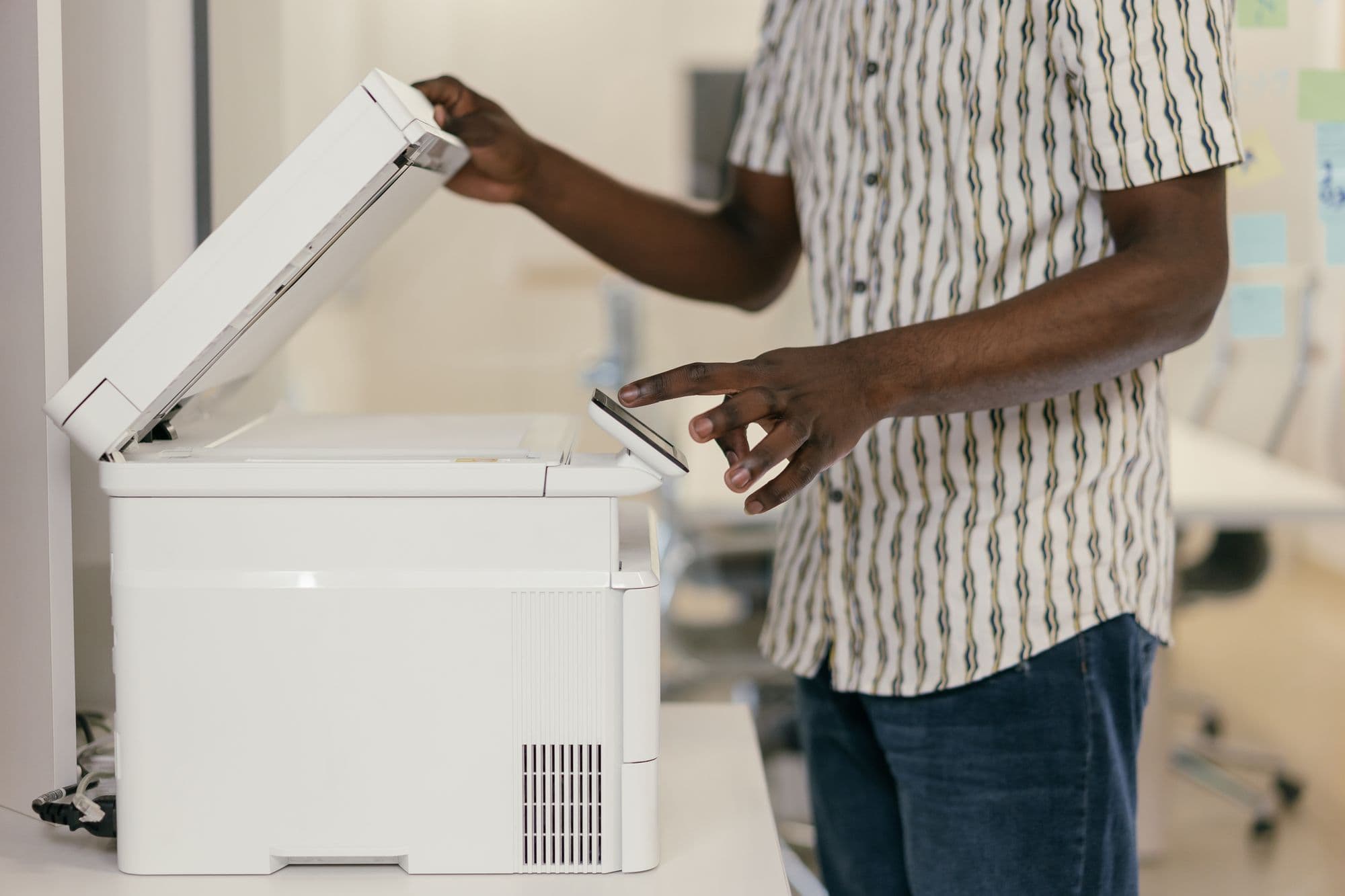
Print, copy & scan
From your phone, flash disk or the original.
- PrintingBlack & white or colour, from your phone, flash disk or WhatsApp.
- PhotocopyingID copies, certificates, notes and bulk copies of anything on paper.
- Scanning & file fixesScan to PDF, merge pages, and shrink files to fit portal upload limits.
- Binding & laminationFinish reports and protect certificates.
B
Typing & documents
Handwritten to typed, messy to tidy.
C
CVs & job applications
Get the application in, properly.
D
Online forms & portals
KRA, eCitizen and other sites, with someone beside you.
E
Students & parents
Assignments, admissions and funding forms.
F
For businesses
Bulk runs and everyday paperwork.
§03Print job builder
Send the print job before you leave home.
Pages, copies, colour, paper, binding and collection time, in one clear WhatsApp message. Attach the file in the chat and we'll confirm.
- What
- School report
- Pages
- All (14)
- Copies
- 3
- Colour
- Black & white
- Paper
- A4, double-sided
- Finish
- Spiral binding
- Collect
- Today by 16:00
- File
- Attached in chat
→ Opens WhatsApp to +254 723 938401
§04What to bring
Come prepared. Leave sorted.
Most wasted trips come down to one missing document. Tick off the list before you leave the house, or send it to yourself on WhatsApp.
- 4 itemsChecked October 2026Open checklist
Filing KRA nil returns
If you have a KRA PIN and earned no taxable income, you still file every year. The deadline has changed.
- 5 itemsChecked October 2026Open checklist
Getting a KRA PIN
You need a KRA PIN for jobs, bank accounts, SIM-linked services and HEF applications. Registration is free from KRA.
- 7 itemsChecked October 2026Open checklist
Kenyan passport application paperwork
You apply on eCitizen and then attend an immigration centre. Arrive with everything printed and copied.
- 9 itemsChecked October 2026Open checklist
HEF (HELB & scholarship) application
First-year students apply for university and TVET funding on the HEF portal. The window opens once a year for about 60 days.
- 7 itemsChecked October 2026Open checklist
Applying for a job
What to bring so your CV, cover letter and online application get done in one visit.
- 8 itemsChecked October 2026Open checklist
Getting a file ready to print
Avoid reprints: send the right format and the right details the first time.
§05Straight talk
Your documents. Your passwords. Your call.

- 1
We're independent.
Kelper is a private business, not a government office. We help you use KRA, eCitizen, HEF and other portals. The agency makes the decision.
- 2
Official fees go to the government.
Government charges are paid through the official portal, and you get the official receipt. Anything you pay us is for our help, and we'll tell you what it is first.
- 3
You type your own passwords.
We never need your iTax, eCitizen or email password, and we'll never ask for one on WhatsApp.
- 4
Only what's needed.
Don't send ID numbers or PINs in a message. Bring them in person. Our WhatsApp templates never ask for them.

§06Find us
In Mombasa. On your phone.
Call, or WhatsApp the same number.
- Location
- Mombasa, KenyaMessage us and we’ll send a location pin.
- Opening hours
- Ask what time we’re open today